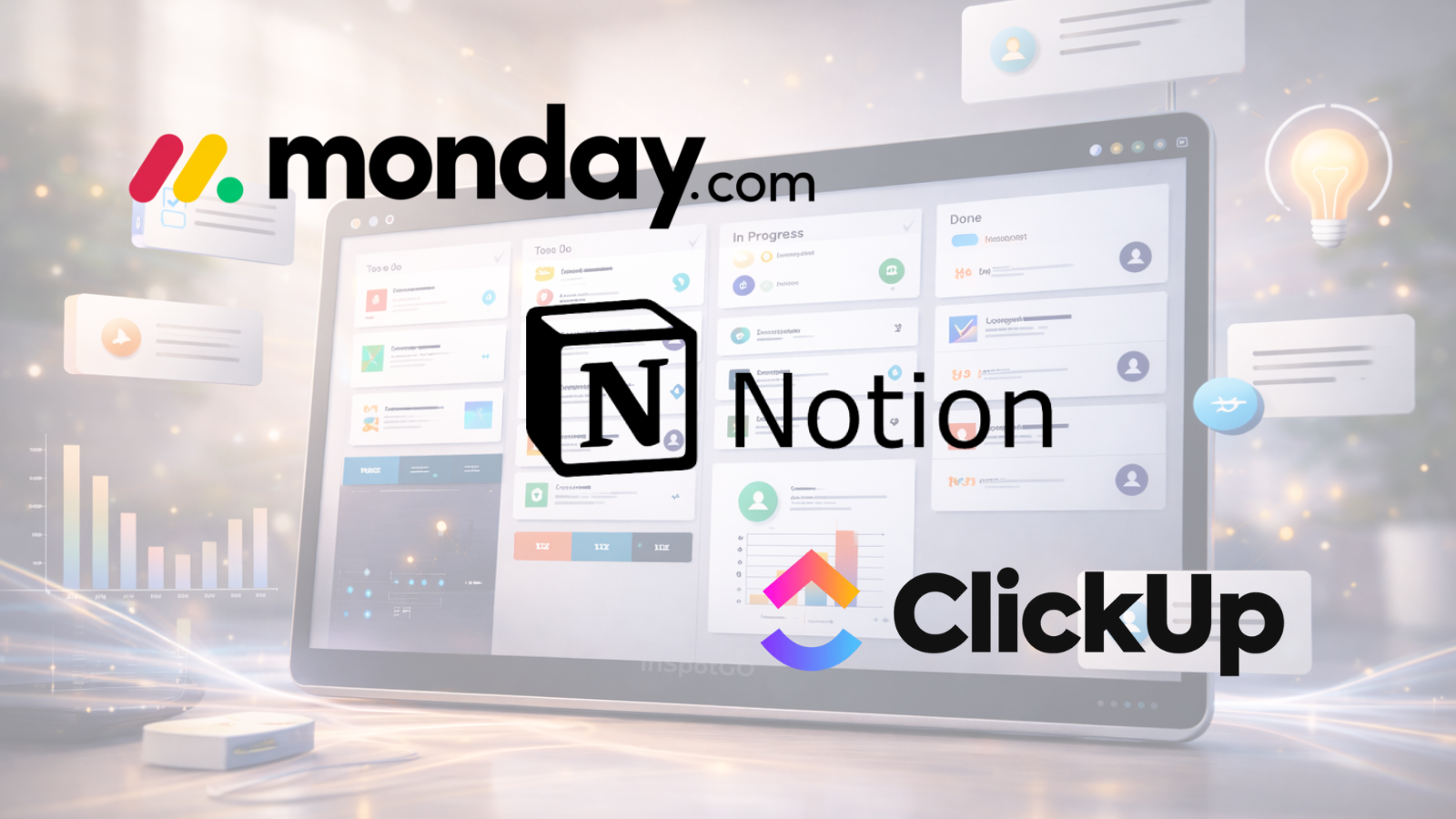
Bottom line: ClickUp wins for power users and growing teams. Notion wins for individuals and knowledge-heavy work. Monday.com wins for visual workflow automation and fast team onboarding. All three offer free plans — try before you commit.
At a glance
| Notion | ClickUp | Monday.com | |
|---|---|---|---|
| Best for | Notes + docs + wiki | All-in-one teams | Visual workflows |
| Free plan | ✅ Generous | ✅ Unlimited tasks | ✅ Available |
| Mobile app | ✅ | ✅ | ✅ |
| Offline mode | ✅ | ✅ | ❌ |
| Built-in AI | ✅ | ✅ | Limited |
Why this comparison matters
Notion, ClickUp and Monday.com collectively serve over 50 million users. Choosing the wrong tool costs teams weeks of migration time and months of wasted subscription. This guide cuts through the marketing to show you exactly what each tool does best — and where each falls short.
Notion — Best for knowledge management
Notion started as a note-taking app and evolved into a full workspace combining docs, databases, wikis, and now AI writing assistance. It’s the tool most individuals and small teams reach for first.
What Notion does best
- Block-based editor — everything is a block (text, image, database, embed). Infinitely flexible.
- Databases — tables, boards, galleries, calendars and timelines all from the same data source.
- Notion AI — built-in writing assistant that summarizes, rewrites and drafts content directly in your pages.
- Templates — thousands of community templates for project tracking, CRMs, habit trackers and more.
- Sharing — publish any page as a public website instantly, no hosting needed.
Notion pros & cons
Pros: Incredibly flexible, beautiful UI, great for documentation, Notion AI is genuinely useful, strong free tier.
Cons: Can feel overwhelming to set up, not ideal for complex task dependencies, limited native time tracking.
Who should use Notion
Freelancers, writers, students, and small teams that live in documents and wikis. If your work is knowledge-heavy rather than task-heavy, Notion is the best choice.
ClickUp — Best all-in-one workspace
ClickUp positions itself as the app to replace all apps. It combines tasks, docs, goals, whiteboards, time tracking and chat in a single platform — and mostly delivers on that promise.
What ClickUp does best
- Views — 15+ views including List, Board, Gantt, Calendar, Timeline, Workload and Mind Map.
- Automation — 100+ automation triggers and actions, including integrations with Slack, GitHub and Zapier.
- Goals — set OKRs and track progress automatically from tasks.
- Time tracking — native time tracking with reporting built in, even on free plans.
- ClickUp AI — writes task descriptions, summarizes comments, auto-fills project details.
ClickUp pros & cons
Pros: Extremely feature-rich, best automation depth on this list, strong mobile app, generous free tier, constant updates.
Cons: Learning curve is steep, notifications can be overwhelming, occasional performance issues on very large workspaces.
Who should use ClickUp
Growing teams and businesses that want to consolidate tools. If you currently pay for separate apps for tasks, docs, time tracking and chat — ClickUp can replace most of them.
Monday.com — Best for visual teams
Monday.com is built around visual boards and automations. It’s the most polished of the three and the easiest for non-technical teams to adopt immediately.
What Monday.com does best
- Visual boards — drag-and-drop columns, color coding, status tracking. Instantly readable by anyone.
- Automations — 200+ automation recipes. “When status changes to Done, notify person and move to next board.”
- Dashboards — real-time charts, workload views and progress tracking across multiple boards.
- Work OS — beyond tasks: CRM, marketing calendar, dev sprints, HR onboarding — all on the same platform.
- Integrations — 200+ integrations including Salesforce, HubSpot, Jira, GitHub.
Monday.com pros & cons
Pros: Most intuitive UI of the three, best-in-class visual automations, excellent dashboards, great for non-technical teams.
Cons: Free plan is limited to a small number of seats and boards; scales up in cost as team grows; less flexible than ClickUp for deep customization.
Who should use Monday.com
Marketing teams, agencies, operations and sales teams. If visual clarity and quick onboarding matter more than deep customization, Monday.com is the best choice.
Head-to-head feature comparison
| Feature | Notion | ClickUp | Monday.com |
|---|---|---|---|
| Task management | ⭐⭐⭐ | ⭐⭐⭐⭐⭐ | ⭐⭐⭐⭐ |
| Docs & notes | ⭐⭐⭐⭐⭐ | ⭐⭐⭐⭐ | ⭐⭐ |
| Automations | ⭐⭐ | ⭐⭐⭐⭐⭐ | ⭐⭐⭐⭐⭐ |
| Dashboards | ⭐⭐⭐ | ⭐⭐⭐⭐ | ⭐⭐⭐⭐⭐ |
| Time tracking | ❌ | ⭐⭐⭐⭐⭐ | ⭐⭐⭐ |
| AI features | ⭐⭐⭐⭐ | ⭐⭐⭐ | ⭐⭐ |
| Mobile app | ⭐⭐⭐⭐ | ⭐⭐⭐⭐ | ⭐⭐⭐⭐ |
| Ease of setup | ⭐⭐⭐⭐ | ⭐⭐⭐ | ⭐⭐⭐⭐⭐ |
| Free plan depth | ⭐⭐⭐⭐⭐ | ⭐⭐⭐⭐⭐ | ⭐⭐⭐ |
Which should you choose?
- Choose Notion if: You work solo or in a small team, your work is document-heavy, and you want a flexible second brain.
- Choose ClickUp if: You run a growing team, need time tracking and reporting, and want one tool to replace many.
- Choose Monday.com if: You manage a non-technical team, need fast onboarding, and value visual clarity over deep customization.
Frequently Asked Questions
Is Notion better than ClickUp?
Depends on your use case. Notion excels at documentation and knowledge management. ClickUp is stronger for task management, time tracking and team collaboration.
Can I use Notion for project management?
Yes, though it requires more setup than dedicated tools like ClickUp or Monday.com. Notion databases can replicate most project management workflows with the right templates.
Is Monday.com worth it for teams?
For teams that need visual dashboards, automations, and fast onboarding — yes. It delivers a polished experience that reduces the friction of keeping everyone aligned. Check the official site for current plan options.
Do these tools have free plans?
All three have free plans. ClickUp has the most generous free tier with unlimited tasks and members. Notion’s free plan is strong for individuals. Monday.com’s free plan is best for small initial testing.
Which is easiest to learn?
Monday.com has the fastest onboarding. Notion has a slight learning curve due to its flexibility. ClickUp has the steepest learning curve but the highest feature ceiling.
For current pricing and plan details, visit the official websites of Notion, ClickUp, and Monday.com.